← Back to prompt library

GPT Image 2 · Image

Ab Testing Banner Variations

A reusable GPT Image 2 image prompt for creative generation in AutoAGC workflows.

@しゅうへい@AIで借金6,000万返す人bannerEnglish2026-06-22
Generate image
842Views
36Likes
14Copies
ImageFormat

Generation prompt

{"type":"banner design variations","subject":"","copywriting":{"headline":"","subheadline":"","body":""},"layout":{"sections":[{"title":"优雅变体","position":"top-left","style":"宁静、柔和色调、叶影、衬线字体","count":3,"labels":["让心变轻盈","活出真我","从猫身上学习智慧"],"badge_style":"柔和色调圆圈"},{"title":"极简变体","position":"top-right","style":"简洁、现代、白色背景、柔和阴影、大号衬线字体","count":0,"labels":[]},{"title":"流行变体","position":"bottom","style":"活力、多彩、粗体无衬线字体、黄色和橙色点缀","count":4,"labels":["让心变轻盈","活出真我","从猫身上学习智慧","线上小班制"],"badge_style":"带有图标的白色圆角矩形及一个绿色圆圈"}]}}
青虎AI workflow

Turn it into a reusable workflow

  1. Copy the prompt text and keep the role, task, model, style, and output constraints.
  2. Paste it into GPT Image 2 or a comparable model with your reference material or workflow brief.
  3. Replace the final constraints for output format, brand voice, language, and execution objective.

Asset

Resource preview

Asset type
Image
Model
GPT Image 2
Scene
banner

More prompts

More GPT Image 2 system prompts

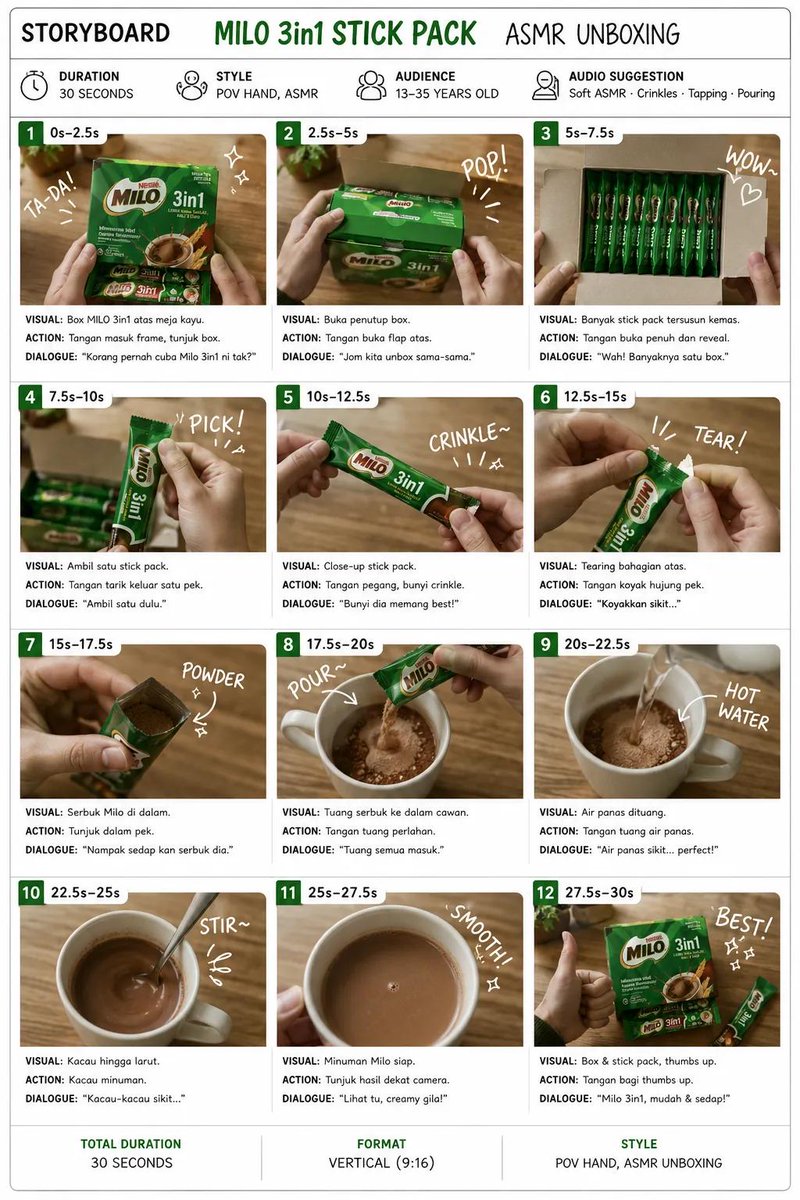
ASMR Unboxing Storyboard InfographicGpt Image 1 5 Style Description For 90s Film AestheticFestive Wallpaper PromptCharacter Visual Update While Preserving Original Atmosphere

Browse workflows

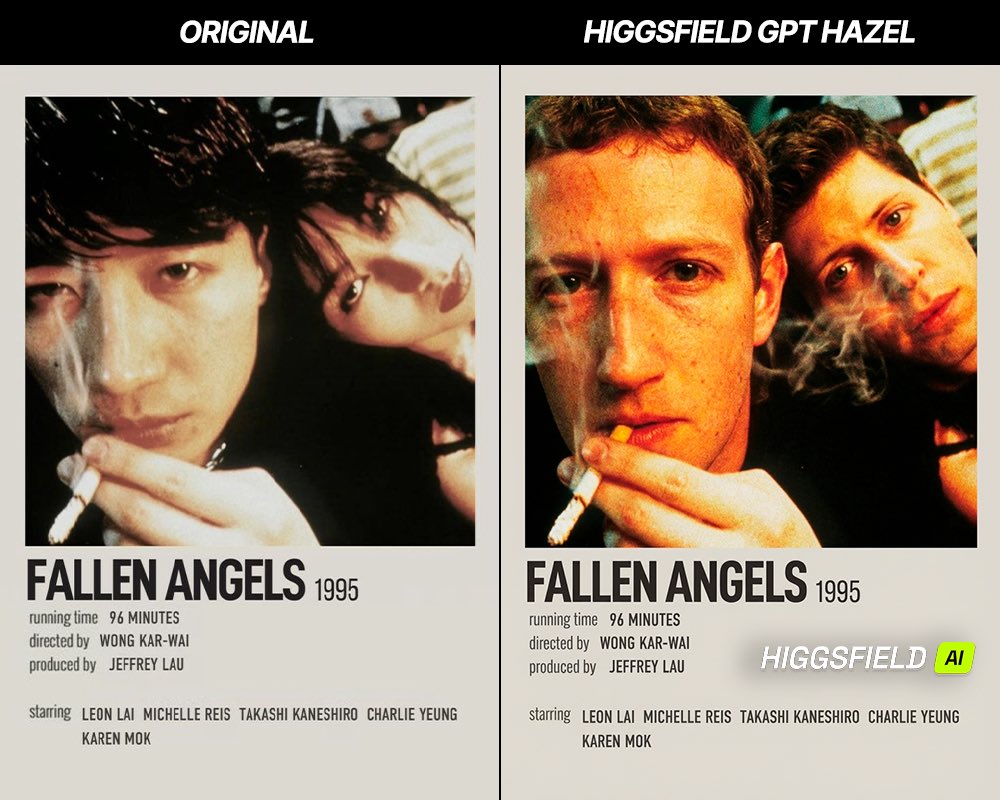
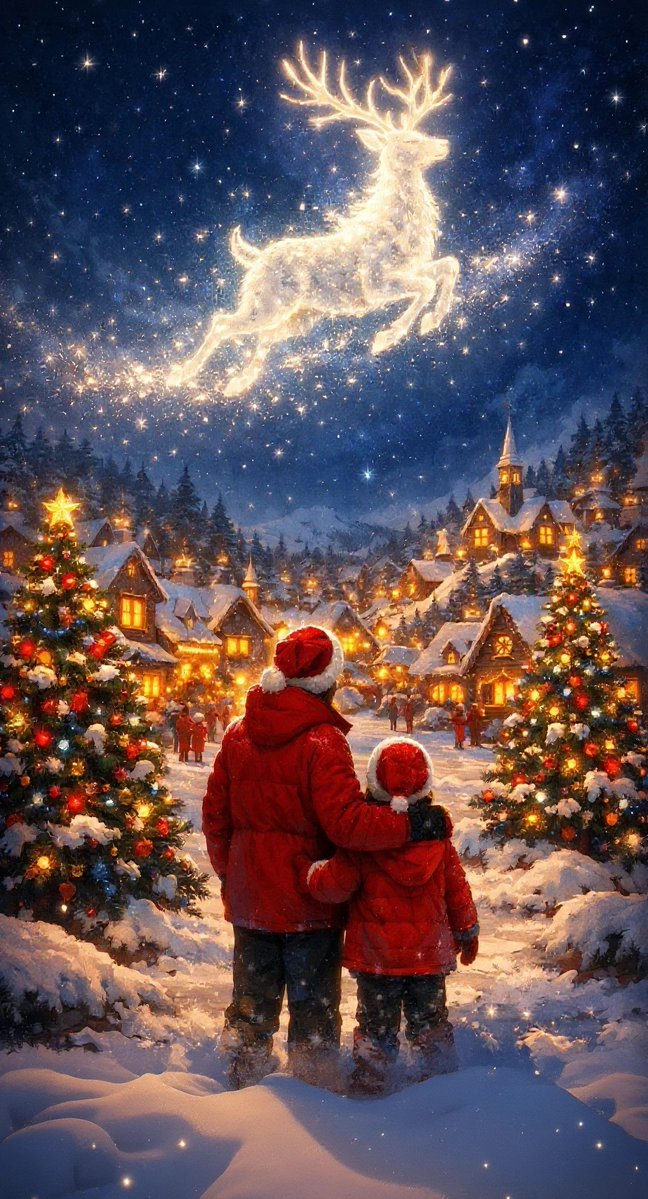
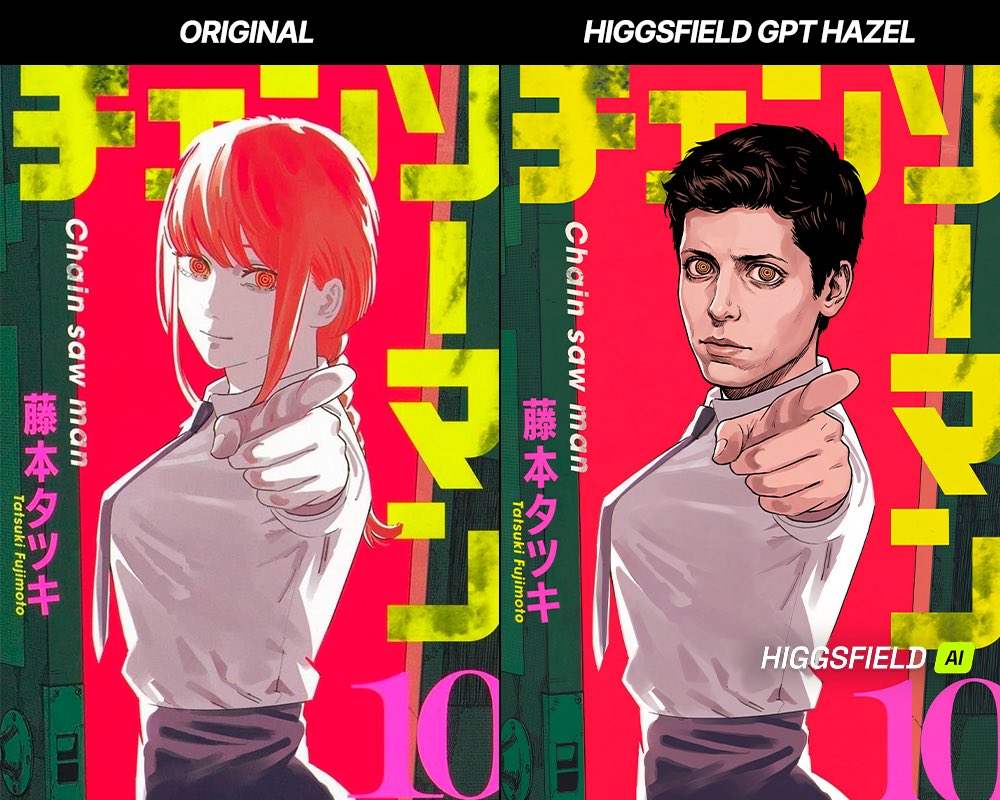
Related Image scenes