← Back to prompt library

GPT Image 2 · Image

Live Stream App Screenshot Generator

A reusable GPT Image 2 image prompt for creative generation in AutoAGC workflows.

@渣猫看世界🦭/acc直播English2026-06-22
Generate image
842Views
36Likes
14Copies
ImageFormat

Generation prompt

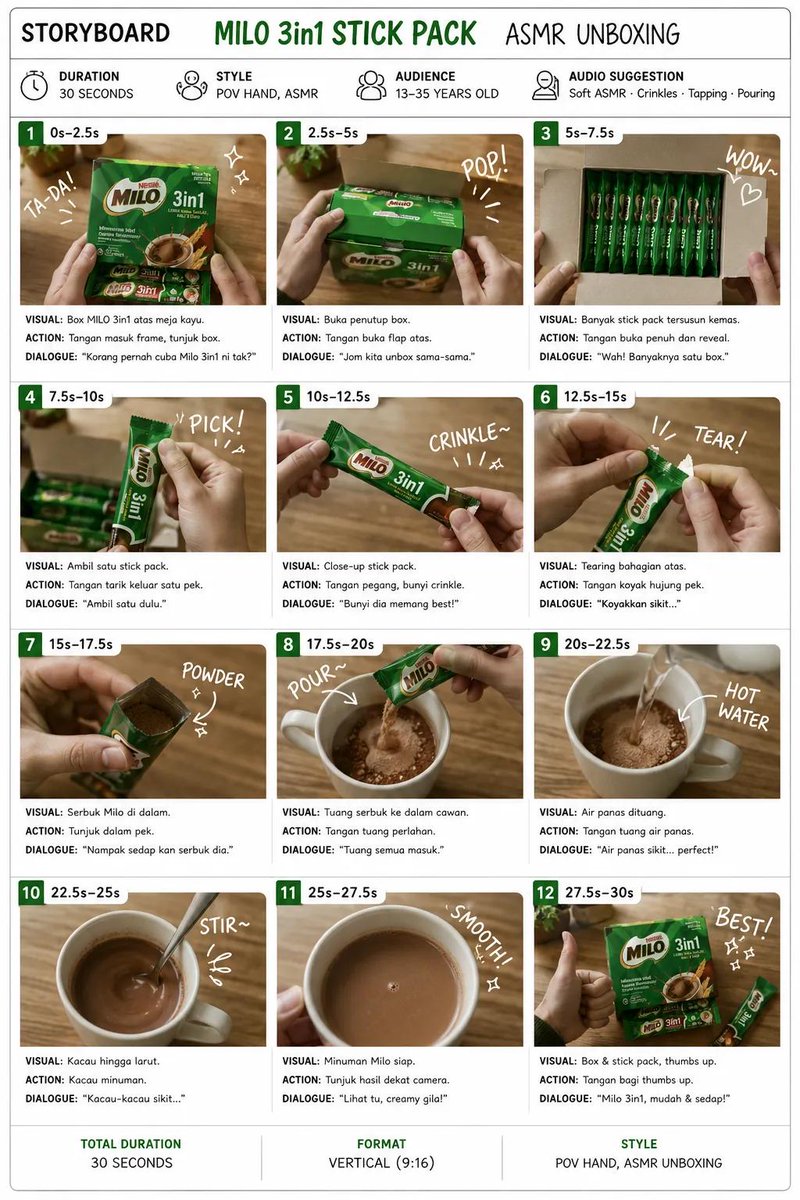
{ "type": "移动端直播 App 截图", "aspect_ratio": "9:16", "subject": { "description": "", "action": "对着镜头温暖微笑,双手举着一张白色纸质标语牌", "sign_content": " 旁边画着一颗小爱心" }, "background": "温馨且光线柔和的卧室,带有暖色调的装饰灯串,架子上摆放着泰迪熊和装饰灯", "ui_elements": { "top_header": { "broadcaster_profile": { "avatar": "女性肖像", "name": "", "subtitle": "23.5 万本场点赞" }, "follow_button": "关注", "top_viewers_count": 3, "total_viewers": "2.6 万", "close_button": "X" }, "floating_badges": [ "小时榜", "更多直播 >", "礼物展馆 0/24" ], "gift_overlay": { "position": "左中", "style": "紫色胶囊形状", "content": "", "icon": "3D 火箭", "multiplier": "x1" }, "chat_area": { "position": "左下", "message_count": 6, "messages": [ "小甜心: 唱歌好听!", "快乐每一天: 美美哒", " 送出 🚀 x1", "可爱多: 主播真漂亮", "宝宝爱你哟: 支持支持支持", "高冷男神: 来了" ] }, "bottom_toolbar": { "input_placeholder": "说点什么...", "icon_count": 5, "icons": ["麦克风", "省略号", "爱心", "礼物盒", "省略号"] } } }

青虎AI workflow

Turn it into a reusable workflow

  1. Copy the prompt text and keep the role, task, model, style, and output constraints.
  2. Paste it into GPT Image 2 or a comparable model with your reference material or workflow brief.
  3. Replace the final constraints for output format, brand voice, language, and execution objective.

Asset

Resource preview

Asset type
Image
Model
GPT Image 2
Scene
直播

More prompts

More GPT Image 2 system prompts

Gpt Image 1 5 Style Description For 90s Film AestheticFestive Wallpaper PromptCharacter Visual Update While Preserving Original AtmosphereRaw Realistic Amateur Photography Style

Browse workflows

Related Image scenes